Custom Preloader Logo
Follow these steps to change the preloader logo of your playable:
- Before you build the project, open your
luna.jsonfile and look for the"preloader"field. - Insert your custom sprite path into the
logofield as shown in the example below:"preloader": {
"active": true,
"icon": "",
"logo": "Assets/Sprites/MyLogo.jpg", // Make sure you change this field
"backgroundHexColor": "#914AFA" // Edit this field to change the background color
}, - Return back to Unity and build the project.
- The custom logo will appear when opening the build in the browser.
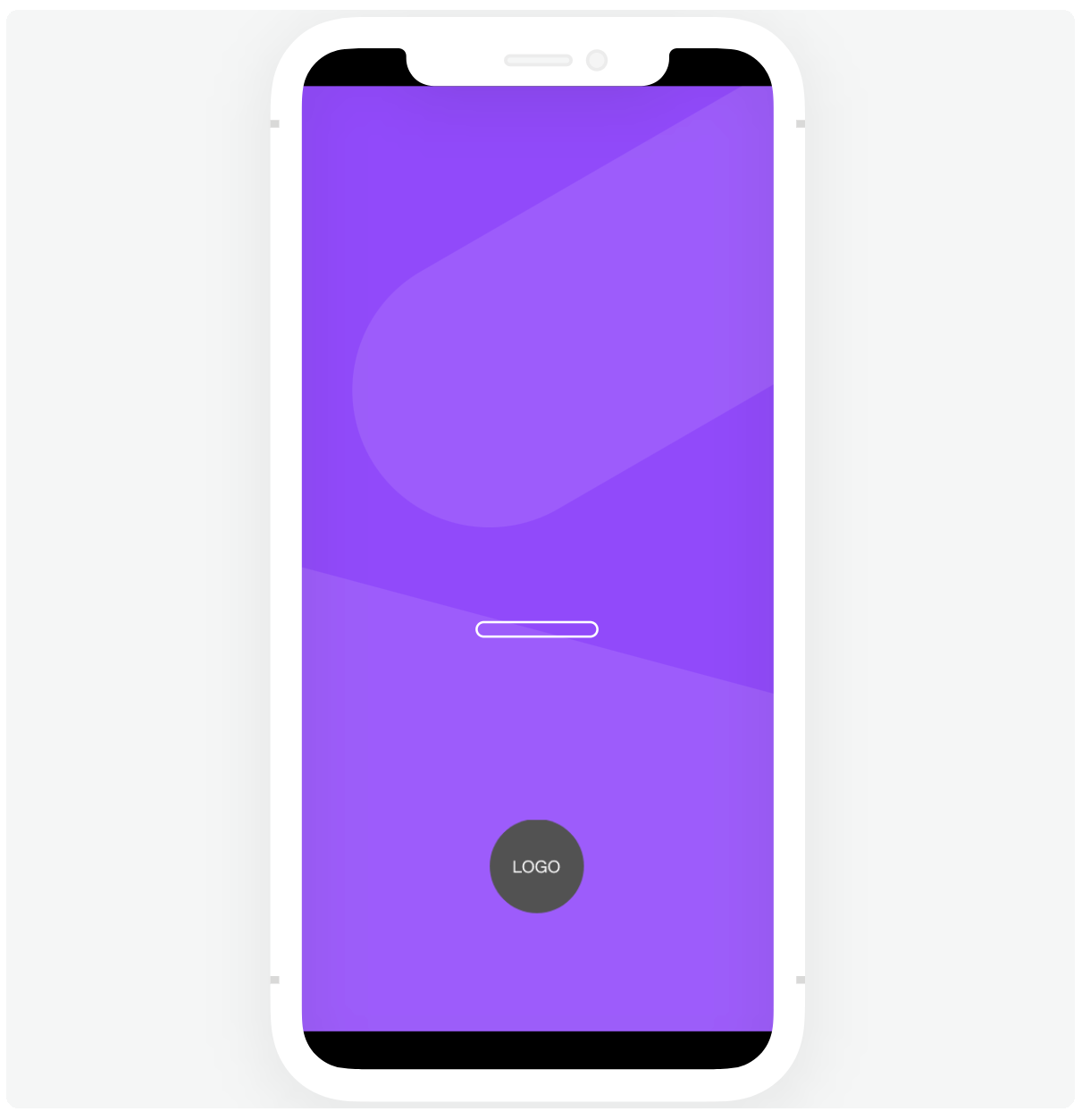
The recommended dimension for custom logos are 100x100 pixels.
The Playworks Plugin export process never compresses logos, so please do not use heavy-size sprites.
You can also remove the logo by adding "disabled" in logo field.