Ad Network Settings
In the Playworks Plugin Unity plugin interface, a number of ad network settings which help prepare your playable ad for use on the ad networks. Navigate to the Settings section and the Ad Network tab.
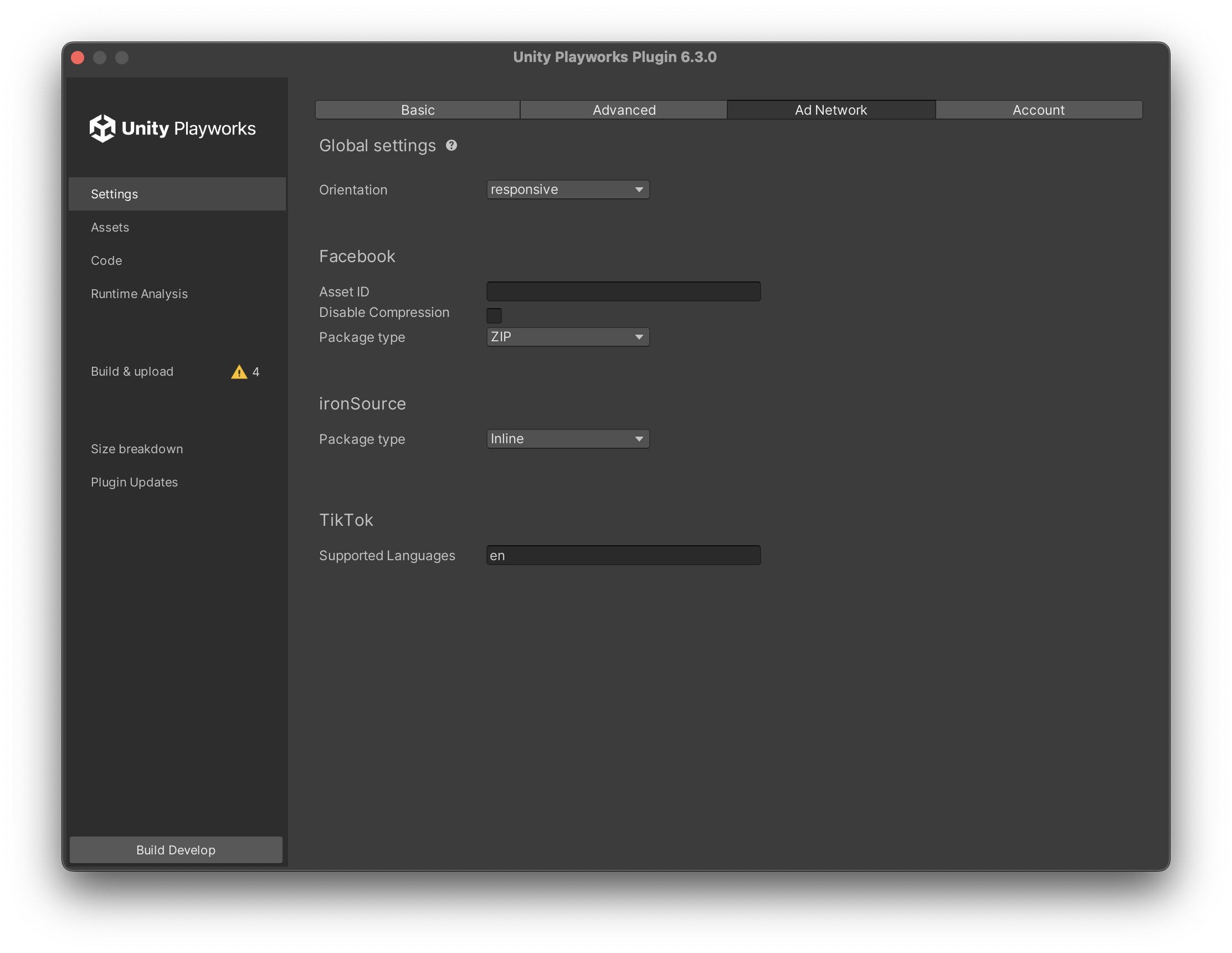
Global Settings
important
The App store links previously available in the Ad Network Settings have been removed. You can now configure them within the Application Settings in the Unity Playworks front-end.
Orientation
Some ad networks (TikTok and Tencent) require that you define whether your playable supports responsive or fixed orientation.
Facebook
Asset ID (optional)
The unique ID of your asset.
Package type (ZIP / Inline)
Whether the build for Facebook is provided as a ZIP (5Mb limit) or a single inlined HTML file (2Mb limit).
TikTok
Supported Languages
TikTok requires that you specify which languages your playable will support.