Applovin
Network Specifications
Specifications
- Format: Single html file (index.html)
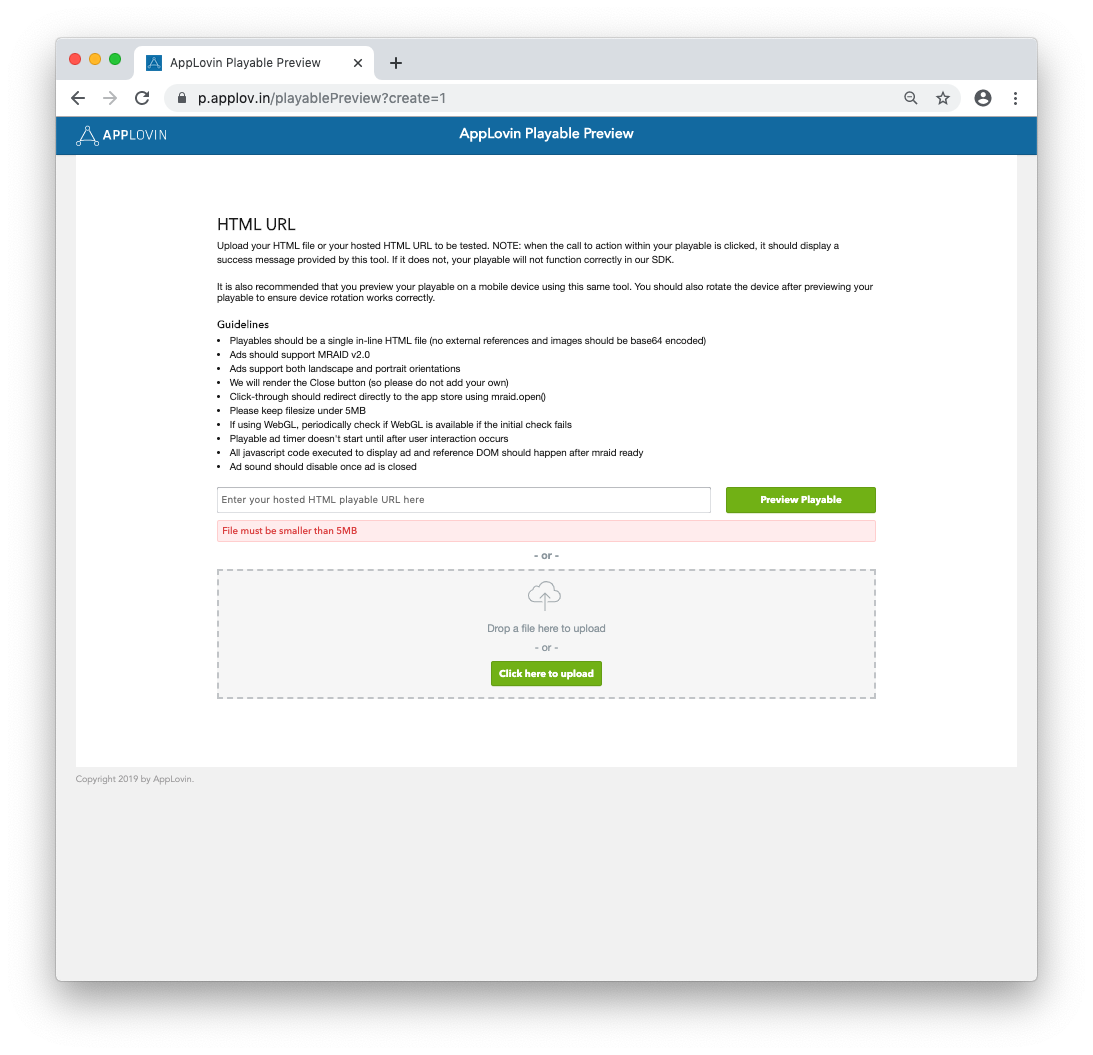
- Size: Up to 5MB
Testing
In order to test your build for Applovin, please follow these steps:
- Download an Applovin build from you Unity Playworks account.
- Navigate to the Applovin playable preview tool.
- Drag in your index.html file or find it manually.
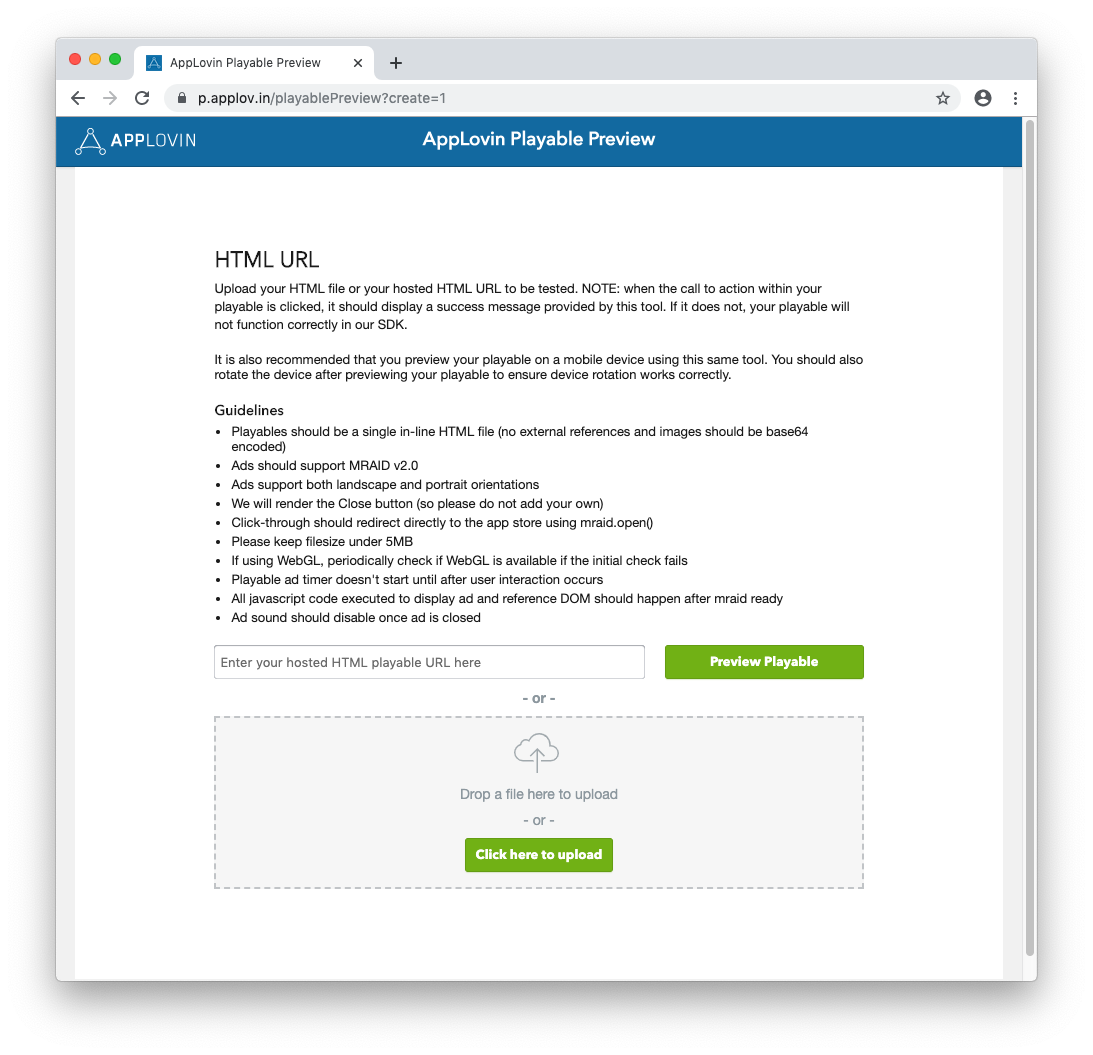
- If the playable is incorrectly formatted or over the file size limit, you will an error such as the following:
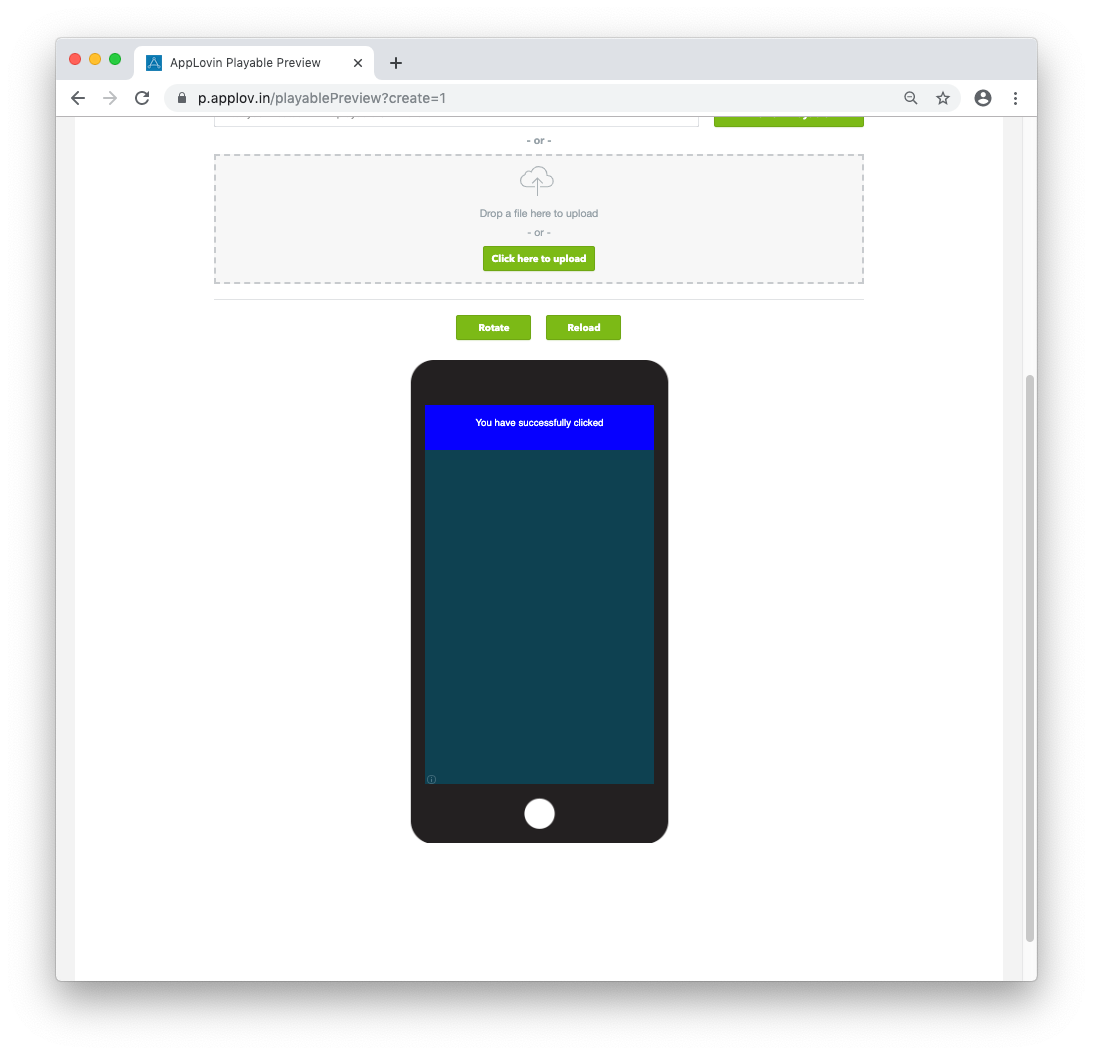
- You may now test the playable in the preview, and change the orientation.
- The preview tool will show a message when a successful app store click has taken place - please ensure this happens at all expected locations.
Analytics
Standard events (such as ad loading, ad ready, ad impression, ad engagement, and ad click) are already implemented through AppLovin, so no extra setup is required on your side. See Standard events for the full list.
For gameplay, you can log AppLovin-specific challenge events using the Luna.Unity.Analytics.Applovin API. Call these methods at the appropriate points in your playable (for example, when the user starts a challenge, fails, retries, or reaches a completion threshold).
AppLovin challenge events API
| Method | Description |
|---|---|
LogChallengeStarted() | User started a challenge. |
LogChallengeFailed() | User failed the challenge. |
LogChallengeRetry() | User retried the challenge. |
LogChallengePass25() | User reached 25% completion. |
LogChallengePass50() | User reached 50% completion. |
LogChallengePass75() | User reached 75% completion. |
LogChallengeSolved() | User completed the challenge. |
Implementation example
Include the Luna.Unity.Analytics namespace and call the appropriate methods from your game flow:
using Luna.Unity.Analytics;

void OnChallengeStart() {
    Applovin.LogChallengeStarted();
}

void OnChallengeProgress(float progress) {
    if (progress >= 0.25f) Applovin.LogChallengePass25();
    if (progress >= 0.50f) Applovin.LogChallengePass50();
    if (progress >= 0.75f) Applovin.LogChallengePass75();
}

void OnChallengeComplete() {
    Applovin.LogChallengeSolved();
}