Meta
Network Specifications
Specifications
Format:
- Single HTML file (index.html)
- ZIP file with resources (bundle may not exceed 100 files); Here is how Unity Playworks Plugin can set the Meta build as ZIP or inline HTML. Size:
- Up to 2MB for single html file. Up to 5MB for zip file
Please see Meta specifications for playable ads for further details.
Testing
In order to test your build for Meta, please follow these steps:
- Download a Meta build from your Unity Playworks account.
- Navigate to the Meta playable preview tool.
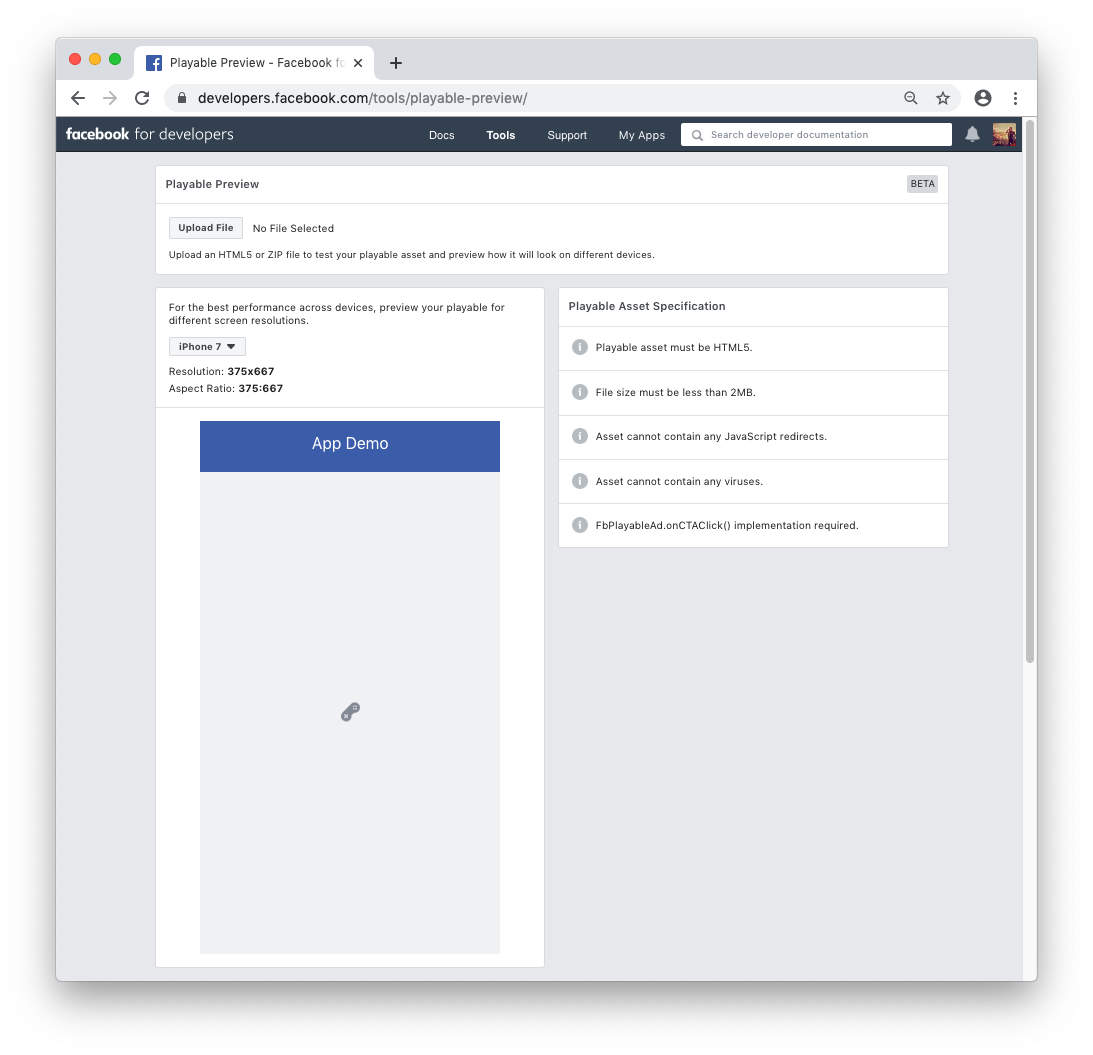
- Drag in your file or find it manually.
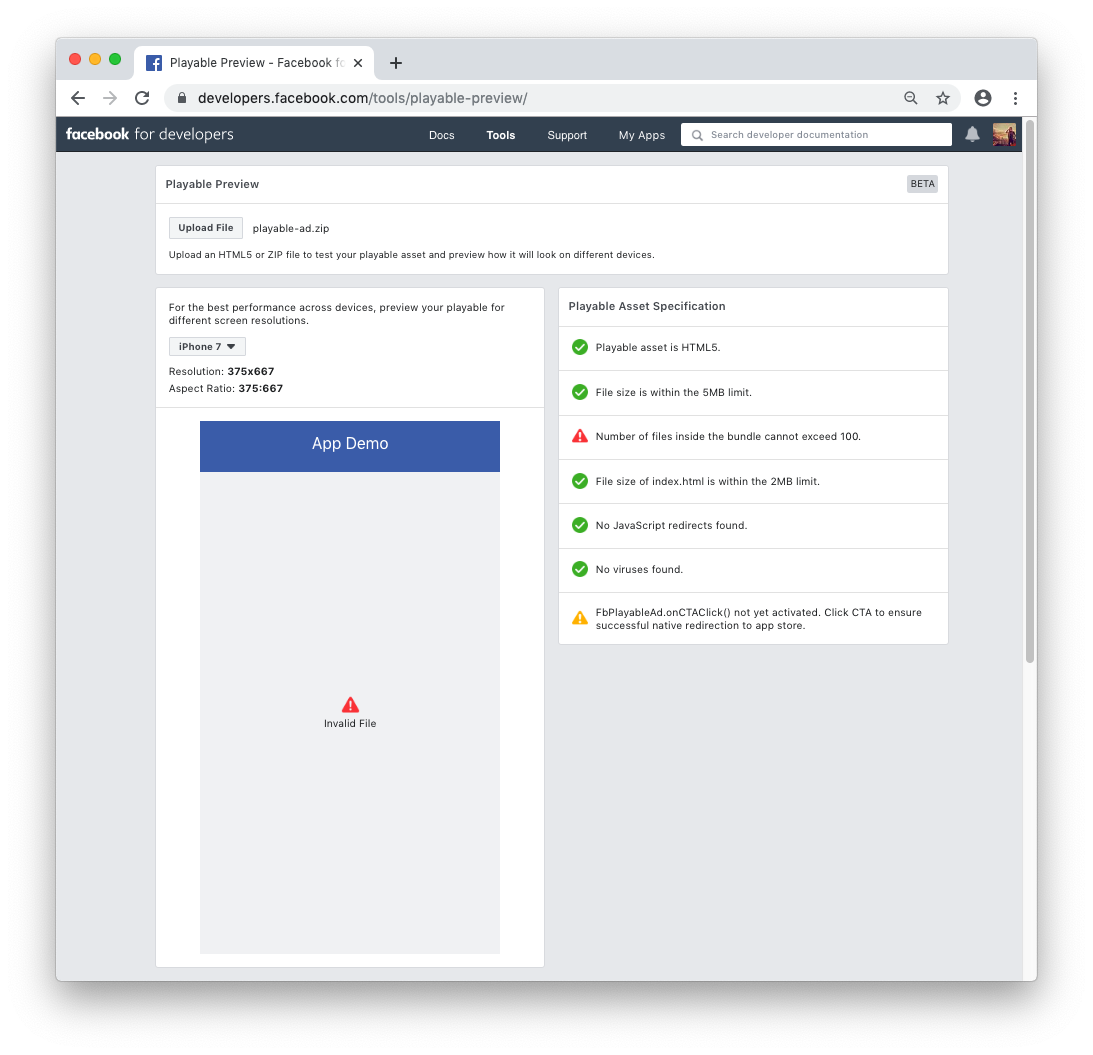
- If the playable is incorrectly formatted or over the file size limit, you will an error such as the following:
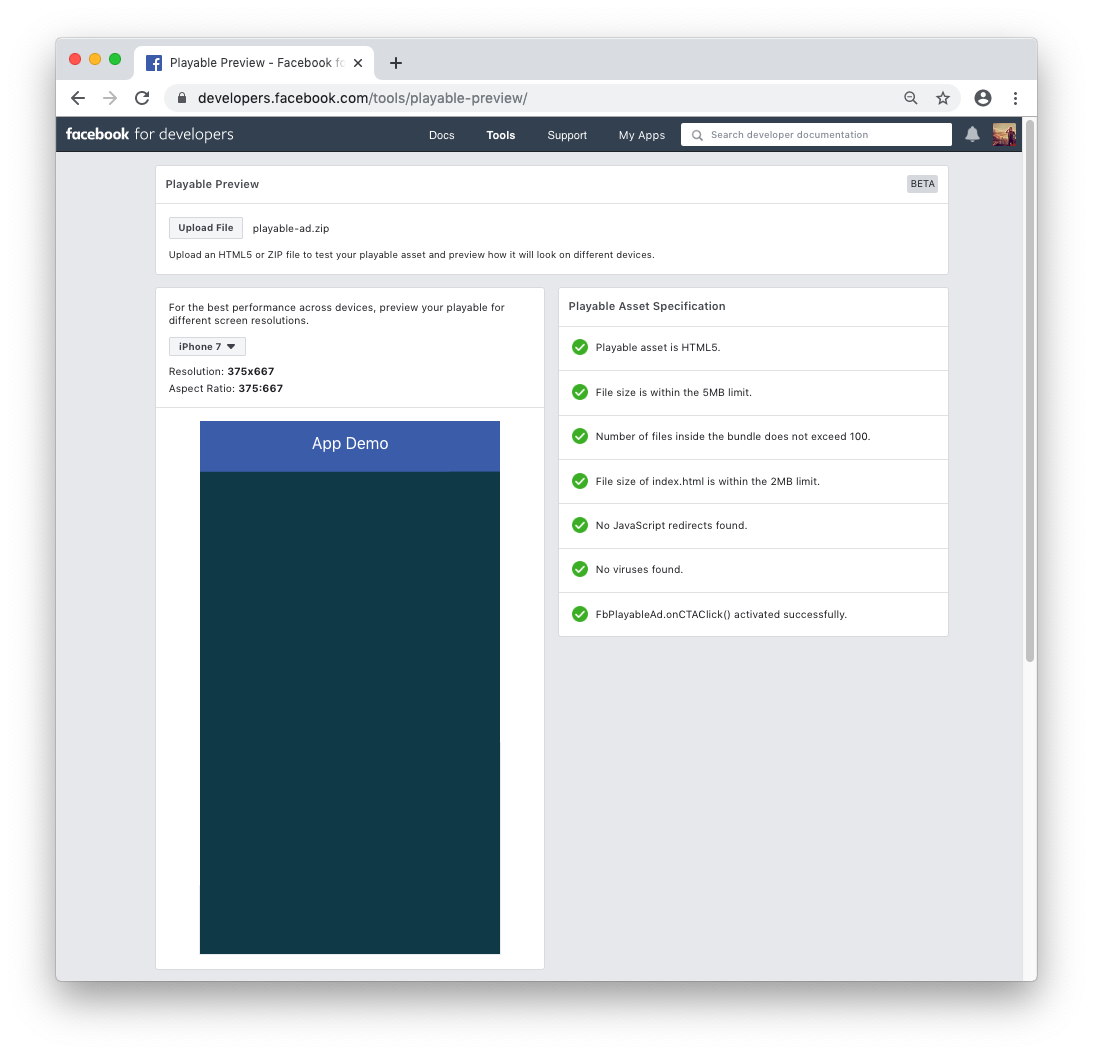
- You may now test the playable in the preview, and change the resolution.
- The preview tool will show a message when a successful app store click has taken place - please ensure this happens at all expected locations.
- Once all the specification items on the right-hand-side are green, the playable can be uploaded to Ads Manager.